
できること
What it does
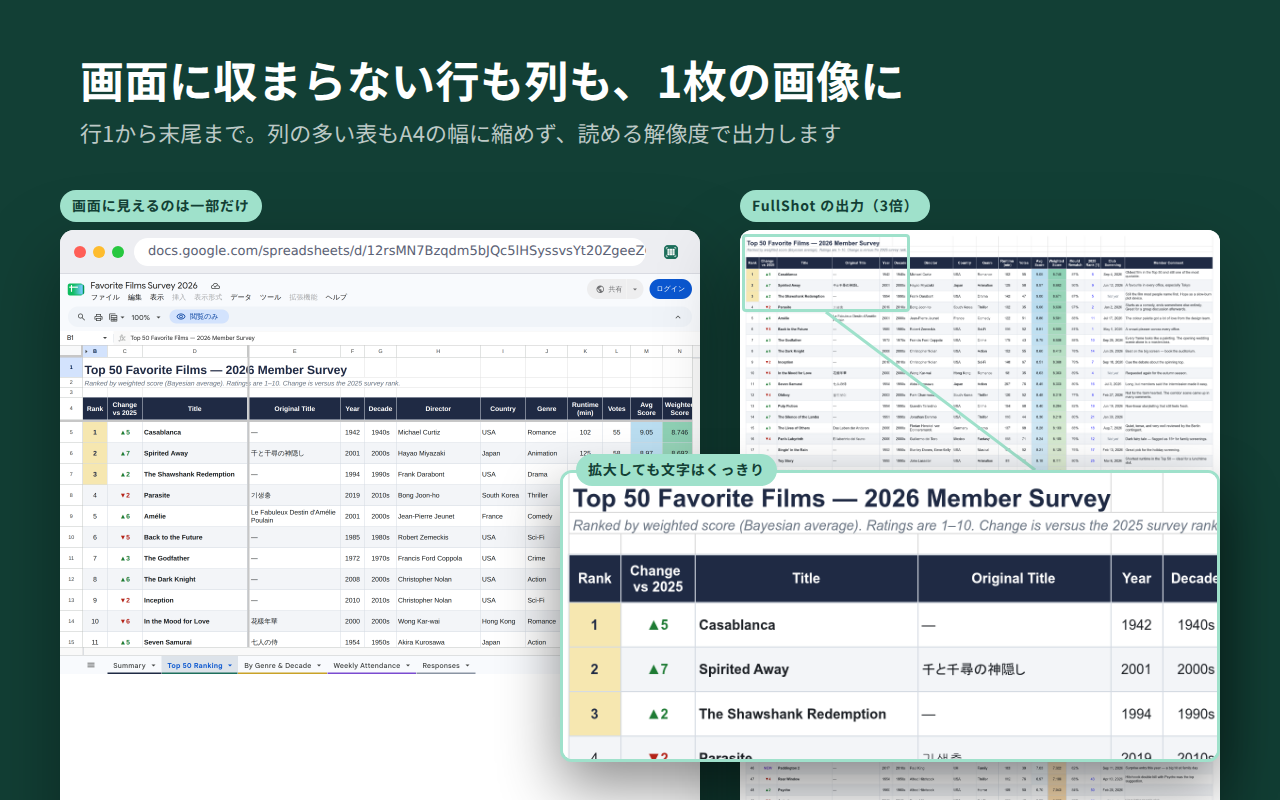
シート全体を1枚に
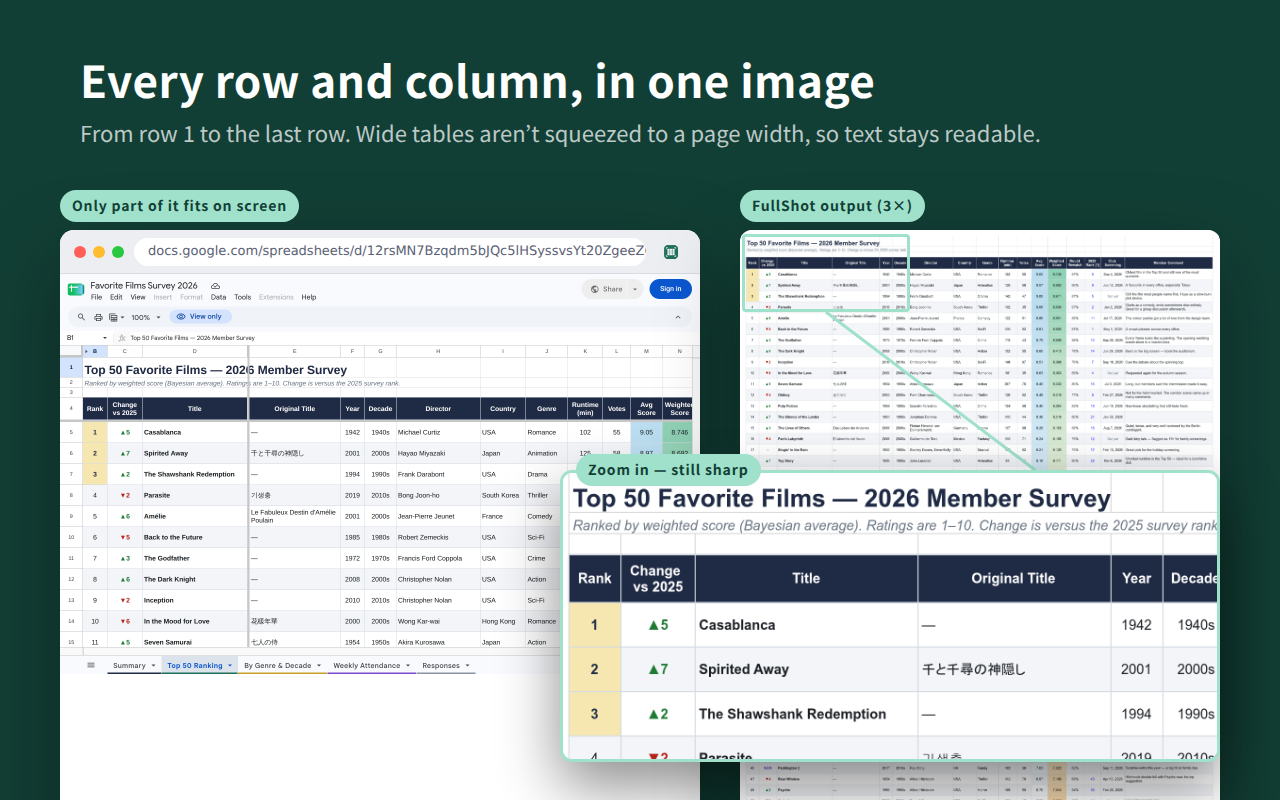
The whole sheet in one image
行1から最終行まで。列の多い表も横幅に縮めず、読める解像度で出力します。
From row 1 to the last row. Wide tables aren’t squeezed to a page width, so text stays readable.
クリップボード・PNG・PDF
Clipboard, PNG, or PDF
解像度は2〜4倍、グリッド線の有無も選べます。PDF はベクターのまま保存します。
Pick 2×–4× resolution and whether to show gridlines. PDFs stay vector.
データを外に送りません
Your data stays with you
処理はすべてブラウザの中。サーバーはなく、データを収集・送信しません。
Everything happens in your browser. No server, and nothing is collected or sent.
使い方
How to use it
- Google スプレッドシートでシートを開き、FullShot のアイコンをクリック
- 出力先(クリップボード・PNG・PDF)、解像度、グリッド線を選ぶ
- 「シート全体を出力」をクリック
- Open a sheet in Google Sheets and click the FullShot icon
- Choose Clipboard, PNG, or PDF, then pick the resolution and gridlines
- Click “Export whole sheet”
オーナーがダウンロード・印刷・コピーを制限しているシートは出力しません。
Sheets whose owner has restricted downloading, printing, or copying are not exported.
サポート
Support
お問い合わせ
Contact
不具合の報告やご要望は support@smarttab-organizer.com まで。件名に「Sheets FullShot」と入れてください。
Bug reports and requests: support@smarttab-organizer.com. Please include “Sheets FullShot” in the subject.
開発を応援する
Support development
FullShot は無料です。役に立ったら、こちらから応援してもらえるとうれしいです。
FullShot is free. If it helps you, you can support its development here.